Articles
Practical guides on AI tools, prompt engineering, and Mac development.

Chat with AI Directly in WeChat? OpenClaw ClawBot Integration Tutorial
WeChat has officially opened its plugin mechanism. Use WeChat's ClawBot to connect and chat with OpenClaw. This article provides the complete installation process and solutions to common issues.
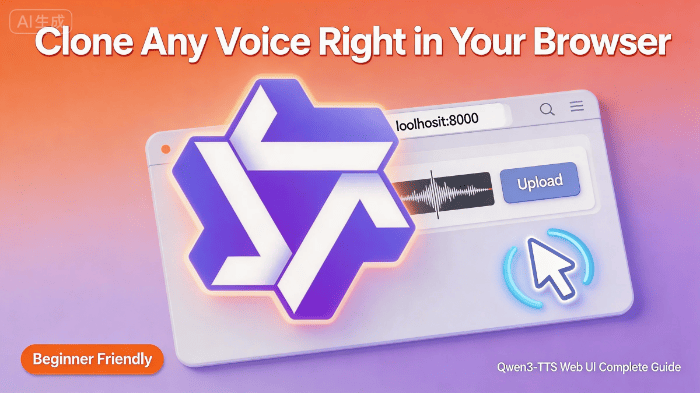
Run Qwen3-TTS Web UI Locally: Complete Guide for Voice Cloning Without Coding
Qwen3-TTS comes with a built-in web interface—upload a recording to clone voices without writing any code. This guide covers Mac (M-series chips) and Windows (NVIDIA GPU) setups.
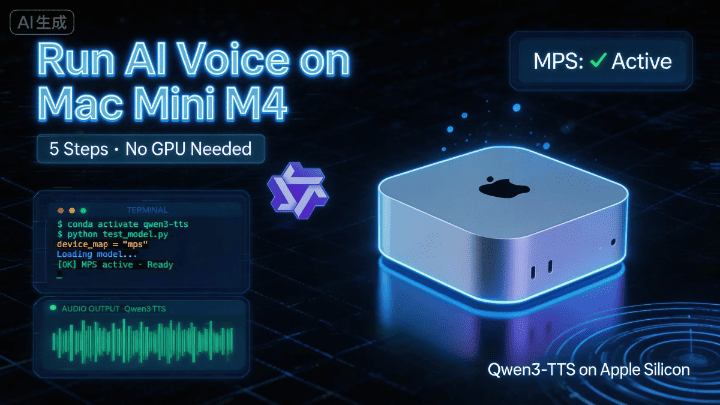
Complete Guide to Running Qwen3-TTS on Mac Mini M4 | From Zero to Hero in 5 Steps
Qwen3-TTS is Alibaba's latest text-to-speech model, but it's designed for NVIDIA GPUs by default. This guide walks you through running it successfully on a Mac Mini M4—from installing system dependencies and setting up Python, to adapting the code for Apple GPU (MPS). Perfect for Mac users, AI beginners, and developers who want to try out TTS models.

OpenClaw Tutorial: Build a Double Color Ball Prediction Website in 1 Hour!
A step-by-step guide to creating custom skills in OpenClaw and using AI conversations to build an LSTM-powered lottery prediction website—from requirements to testing to final deployment, all without writing a single line of code.
![[Fix Log] HTTP 500:404 NOT_FOUND after OpenClaw upgrade? How I fixed it](https://img.lingflux.com/2026/03/c6a0b5445b7fa406ea90e39681d8c2be.jpg)
[Fix Log] HTTP 500:404 NOT_FOUND after OpenClaw upgrade? How I fixed it
Sharing my experience with HTTP 500:404 NOT_FOUND errors after upgrading OpenClaw from 2026.3.2 to 2026.3.8, and how I quickly resolved it using onboard config reset to help you avoid the same pitfall.
How to Completely Uninstall OpenClaw on MacOS (Don't Leave Anything Behind)
Think clicking 'Uninstall' is enough? OpenClaw actually leaves traces in three places on MacOS: the workspace directory, npm global commands, and the .zshrc environment variable config. Any leftover residue can cause terminal errors or issues installing new tools. This guide covers the complete cleanup steps with screenshots, done in 5 minutes, leaving no traces behind.
OpenClaw Setup Guide|From Installation to Browser Control - Everything You Need to Know
Ever installed OpenClaw and couldn't get it to do anything? This author personally experienced 10 uninstallations and reinstallations, thoroughly figuring out OpenClaw 2026.3.2's configuration logic—from API integration, custom providers, to enabling browser control and file read/write permissions, every step includes screenshots and commands. Suitable for macOS users, beginners getting started, and experienced users who've been burned by old guides.

Run ACE-Step 1.5 Locally on Mac — Free AI Music Generation in Minutes
Deploy the ACE-Step 1.5 AI music generation model entirely offline on your Mac. Apple Silicon optimized, no subscription required — just a few terminal commands.